Dig Clean Updates
What changed in Dig & Clean and what to recheck on this wiki.
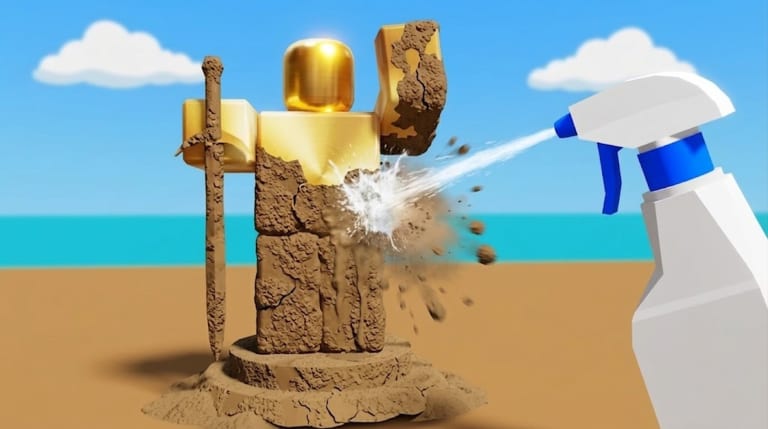
The Dig Clean updates hub tracks how Dig & Clean evolves on Roblox and which wiki pages you should refresh after a patch.
Dig Clean status check — August 2026
As of this wiki refresh (August 2026), Dig & Clean’s official Roblox page still describes the same core fantasy: dig dirty junk and treasure, spray clean, hunt rares, show a museum, upgrade shovels and spray bottles, play on Mobile/Tablet/PC/Console. We have no verified active Dig Clean promo codes in the current window — see Active Codes (empty on purpose) and Expired Codes for wrong-game DIG clutter. Server population can fluctuate; if the experience shows quiet servers, still use the official place link rather than copycat dig games.
New wiki pages added in this content pass:
- Dig Clean vs DIG — stop redeeming the wrong game’s codes
- Common Mistakes — dirty backpacks, wrong upgrades, museum clutter
- Sell or Keep — post-clean decision framework
- Expired Codes — dead / wrong-game strings archive
Gameplay videos embedded on How to Play, Rare Items, Museum, and Scripts pages use Dig & Clean–titled YouTube uploads (not DIG Fisch guides).
Dig Clean launch snapshot
Dig & Clean launched as a dig-and-clean simulator with museum displays and shovel/spray upgrades. Early traction showed millions of visits and strong concurrent peaks for a new experience. Expect frequent liveops-style tuning while the game is young.
Dig Clean update checklist for players
After any Dig & Clean update, recheck:
- Codes — new redeemables often ship with patch marketing
- Tier List — shovel/spray prices or stats may shift
- Islands — new dig areas or travel rules
- Items — rarity or junk tables
- Scripts — loaders often break and need replacements
- Dig Clean vs DIG — if social “Dig codes” look unfamiliar
Dig Clean how we write update notes
We summarise player-facing changes: tools, areas, codes, quality-of-life. We avoid inventing patch notes — and we refuse to paste DIG shovel charts into Dig Clean pages. When official Dig & Clean channels post, this page becomes the wiki’s pointer back into deep guides.
Dig Clean post-update grind plan
- Login and skim Shop for new shovel/spray entries
- Test dig and clean timing once (Controls)
- Run upgrade priority if prices changed
- Place any new trophy finds (Museum / Sell or Keep)
Dig Clean related hubs
Review for opinion context · Guides for systems · How to Redeem Codes when freebies drop · Common Mistakes after a frustrating session.
Bookmark Dig Clean Updates and return after each Roblox experience refresh.
Dig Clean update types to expect
Young Roblox simulators like Dig & Clean typically ship balance tweaks, new shovel or spray entries, island expansions, and promotional codes tied to milestones. Less common but possible: UI changes to the code box, museum slot adjustments, or quality-of-life cleaning shortcuts.
Dig Clean version-check habit
Before a long grind, glance at the Roblox experience description and this updates hub. If nothing changed, your existing progression plan still applies. If something changed, run the post-update checklist at the top of this page before spending saved cash.
Dig Clean community signal vs official notes
Player Discord chatter often spreads faster than written patch notes. Treat rumors as rumors until shop prices or island access in-game match the claim. This wiki updates when changes are confirmed, not when a screenshot circulates.
Frequently Asked Questions
Quick answers to the most common Dig Clean questions.
Where do Dig Clean updates appear first?
Usually in the Dig & Clean Roblox experience description, join prompts, or developer social channels.
Do Dig Clean updates break scripts?
Often yes. Recheck the Scripts hub after patches.
Will this Dig Clean wiki update the same day?
We prioritise codes, tools, and progression pages when changes are confirmed.
Do Dig Clean updates reset museum progress?
Liveops patches rarely wipe collections, but always patch notes when available — back up screenshots of prized displays.
Should I wait to buy upgrades after a Dig Clean update?
Test one session first. Prices and tier value can shift overnight.